


Snowman Cooling – CPU coolers, AIO liquid cooling, fans and thermal paste
Cooling for every desktop build: tower air coolers with up to six heat pipes, 120 mm and 240 mm AIO liquid coolers, PWM case fans and thermal paste. Official Snowman reseller – GamerLab.
Shop all SnowmanCPU coolersThermal pasteWhat is Snowman Cooling?
Snowman is a PC cooling brand focused on practical, good-value cooling for desktop computers: CPU coolers, AIO liquid coolers, case fans, thermal paste and PC cases.
The range is positioned in the budget and mid-range segments. Air coolers use multiple copper heat pipes and 120 mm PWM fans, many with ARGB lighting, and the newer models add extras such as a digital temperature display or an LCD screen on AIO coolers.
The brand has no dedicated official website, so GamerLab’s product pages are the best place to find current models, specifications and availability. Specifications below are based on manufacturer and product listings and can differ between model versions.
Why choose Snowman
Value for money
A full cooling lineup in the budget and mid-range segments, from entry-level towers to AIO coolers.Multi-heat-pipe towers
Tower coolers with 2, 4, 5 or 6 copper heat pipes and 120 mm PWM fans for quiet, adjustable cooling.Display and lighting
ARGB lighting, a digital temperature display on the MT6-V4D and a 2.1-inch LCD on selected AIO coolers.Wide socket support
Selected models support Intel LGA1851, LGA1700, LGA1200 and AMD AM5, AM4, AM3, plus older sockets.Compact options
The ultra-thin MC45 with a 92 mm fan is designed for ITX and small-form-factor builds.Everything in one place
Coolers, case fans, thermal paste and PC cases from one brand, available from one store.Snowman product lines
The main categories you will find at GamerLab:
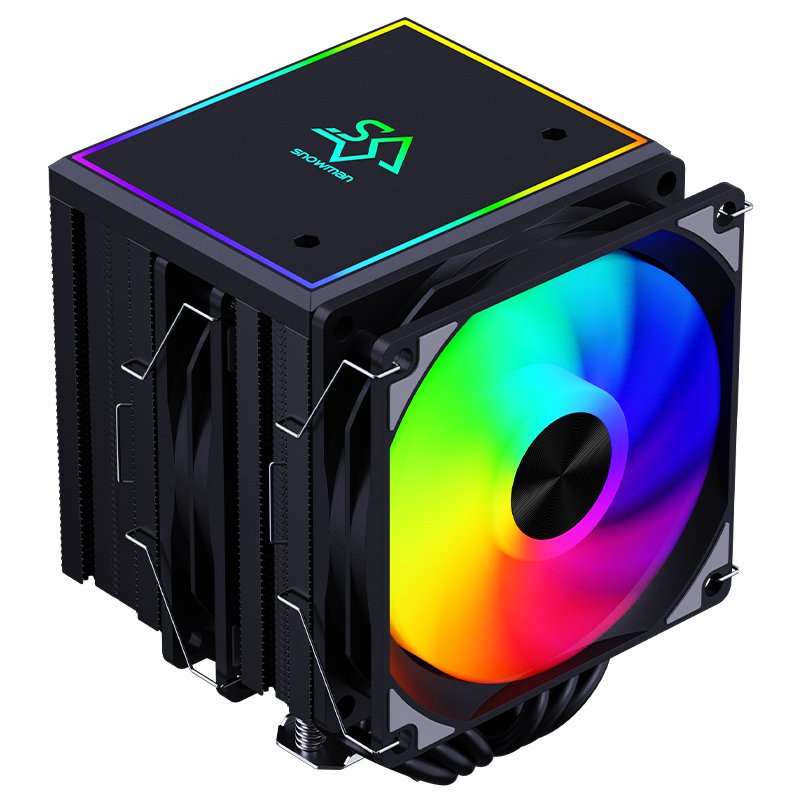
CPU air coolers
Tower coolers with copper heat pipes, 120 mm PWM fans, optional ARGB lighting and mounting kits for current and older sockets – from simple 2-heat-pipe models to 6-heat-pipe designs.- MT6-V4D – 6 heat pipes, digital temperature display, up to 210 W
- MT6 / MT6S – 6 heat pipes, single or dual fan
- MT5-V3-ARGB – ARGB, 4-pin PWM, up to 200 W
- BM6000-BK – 6 heat pipes, ARGB, 120 mm PWM
- MC45 – ultra-thin 92 mm, 4 heat pipes, 150 W, for ITX
- 4-heat-pipe 120 mm PWM towers
- 2-heat-pipe RGB 120 mm entry towers

AIO liquid coolers
All-in-one liquid coolers with a pump block, radiator and 120 mm ARGB fans. A clean look around the CPU socket and good fit for cases with radiator support.- 240 mm AIO with 2.1-inch LCD (480 × 480)
- KS120 ARGB – 120 mm AIO
- Copper and aluminum heat exchange
- ARGB 120 mm fans, 800–1800 RPM
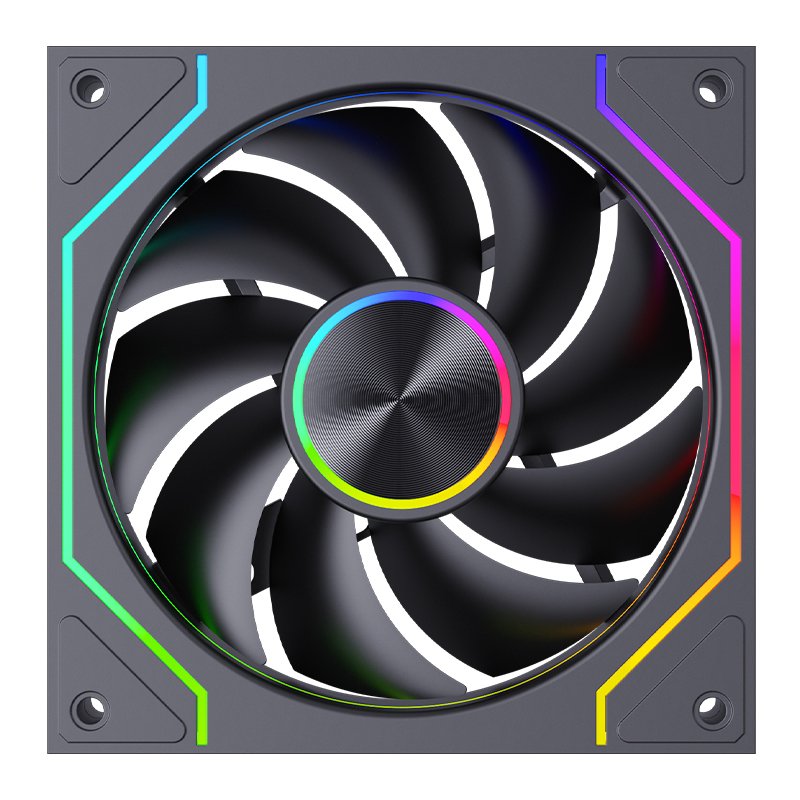
Case fans
120 mm PWM case fans to improve airflow in your PC case, for quiet intake and exhaust.- 120 mm PWM silent case fans
- ARGB case fans
- Intake and exhaust airflow upgrades

Thermal paste
Non-conductive thermal grease for CPUs, GPUs, laptop processors and chipsets, supplied in easy-to-apply syringes.- MTG5 – 5 g syringe
- MTG10 – 10 g syringe
- OEM 5 g thermal grease
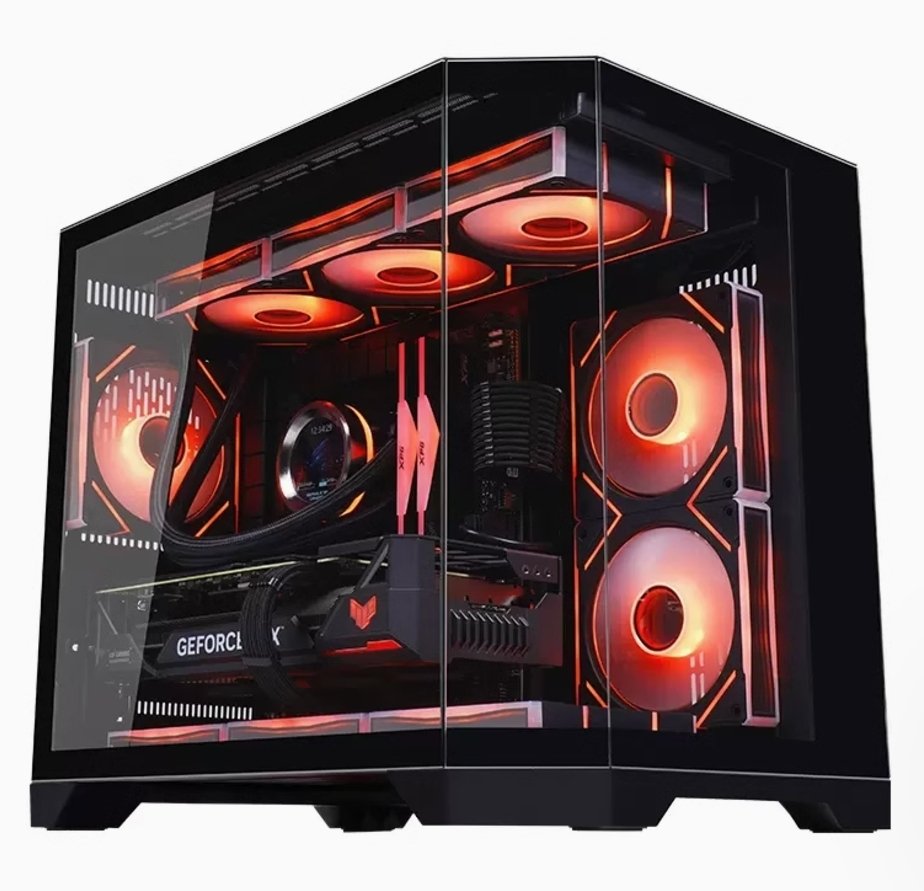
PC cases
PC cases with ARGB fans and panoramic glass side panels to show off your cooling and components.- ARGB pre-installed fans
- Panoramic tempered glass design
- Airflow-focused layouts
Cooling glossary
How to choose a Snowman cooler
| Jūsu vajadzība | Ko izvēlēties |
|---|---|
| Budget build with a mainstream CPU | A 2- or 4-heat-pipe 120 mm PWM tower cooler. |
| Hotter CPU or heavy gaming and rendering loads | A 6-heat-pipe MT6 series cooler, such as the MT6-V4D (listed up to 210 W) or a dual-fan MT6S. |
| Small ITX case | The ultra-thin MC45 with a 92 mm fan (150 W). |
| Show-off build | MT6-V4D with digital temperature display, or a 240 mm AIO with a 2.1-inch LCD. |
| Clean look and easy RAM access | A 120 mm or 240 mm AIO, if your case has radiator mounts. |
| Better case airflow | 120 mm PWM case fans for intake and exhaust. |
| New build or re-mounting a cooler | Fresh thermal paste in a 5 g or 10 g syringe. |
Always check TDP, socket support and cooler or radiator clearance on the product page.
How to install a CPU cooler and apply thermal paste
- Check compatibility. Confirm your CPU socket, the cooler’s rated TDP, cooler height and RAM clearance.
- Clean the CPU. If you are re-mounting, wipe off old paste with a lint-free cloth and isopropyl alcohol.
- Apply paste. If the cooler has no pre-applied paste, put a small pea-sized dot in the center of the CPU’s metal heat spreader.
- Mount the cooler. Follow the bracket instructions and tighten the screws gradually and evenly in a cross pattern.
- Connect cables. Plug the PWM fan into the CPU_FAN header and ARGB lighting into a 5 V 3-pin ARGB header.
- Check temperatures. Boot into the BIOS or a monitoring tool and confirm that idle temperatures look normal.
Why buy Snowman at GamerLab
Oficiālais izplatītājs
GamerLab is an official Snowman Cooling reseller – genuine products straight from the source.Garantija
Products in the GamerLab store come with a 3 to 5 year warranty, according to the store’s terms.Bezmaksas piegāde
Bezmaksas piegāde pasūtījumiem, kuru summa pārsniedz 100 EUR. Skatīt informācija par piegādi sīkāka informācija.Klientu apkalpošana
Help choosing a cooler: sales@gamerlab.eu, +370 607 48500.Snowman Cooling: frequently asked questions
What is Snowman Cooling?
What products does Snowman offer?
Which Snowman CPU cooler should I choose?
Which CPU sockets do Snowman coolers support?
Does a Snowman cooler include thermal paste?
Should I choose an air cooler or an AIO liquid cooler?
When should I replace thermal paste?
Is GamerLab an official Snowman reseller?
Kādi ir garantijas un piegādes nosacījumi?
Shop Snowman at GamerLab
CPU coolers, AIO liquid coolers, fans and thermal paste – genuine products with warranty from an official reseller.
Pārlūkot visus produktusVajadzīgs padoms? Sazinieties ar mumsSpecifications are based on manufacturer and product listings and may change between model versions – the most current data is on the product pages.


 English
  Lithuanian
  Latvian
  Estonian
  Ukrainian